Search for your topic of interest
Example topics - composition, travel, etc
“Learn and love photography on your smartphone”

Keystone distortion — straighten up your smartphone shots
Keystone distortion makes buildings and straight lines appear to lean or converge — especially when you tilt your phone upward. Learn how to recognize it, fix it, and even use it creatively to give your photos more impact and control.

Two-point and three-point perspective — structure your shot with depth
Perspective adds structure and realism to your photos. Two-point and three-point perspective help you show depth, height, and proportion — especially when shooting buildings, streets, or corners. Learn how to use them intentionally with your smartphone.
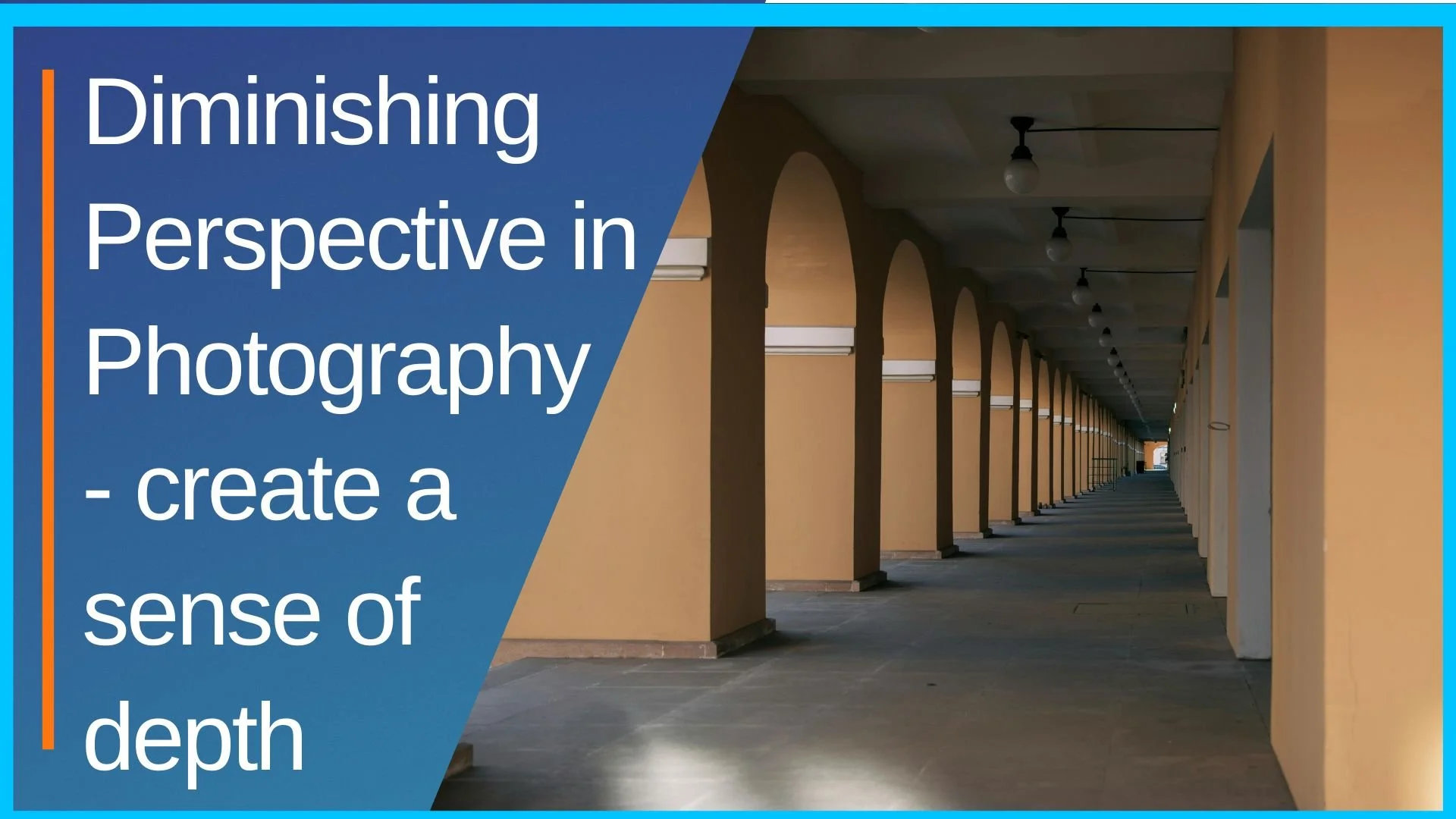
Diminishing perspective — use depth to guide the eye
Diminishing perspective shows how objects shrink as they recede into space — adding depth and motion to flat images. It’s a simple but powerful technique that draws the viewer’s eye deeper into your smartphone photos.
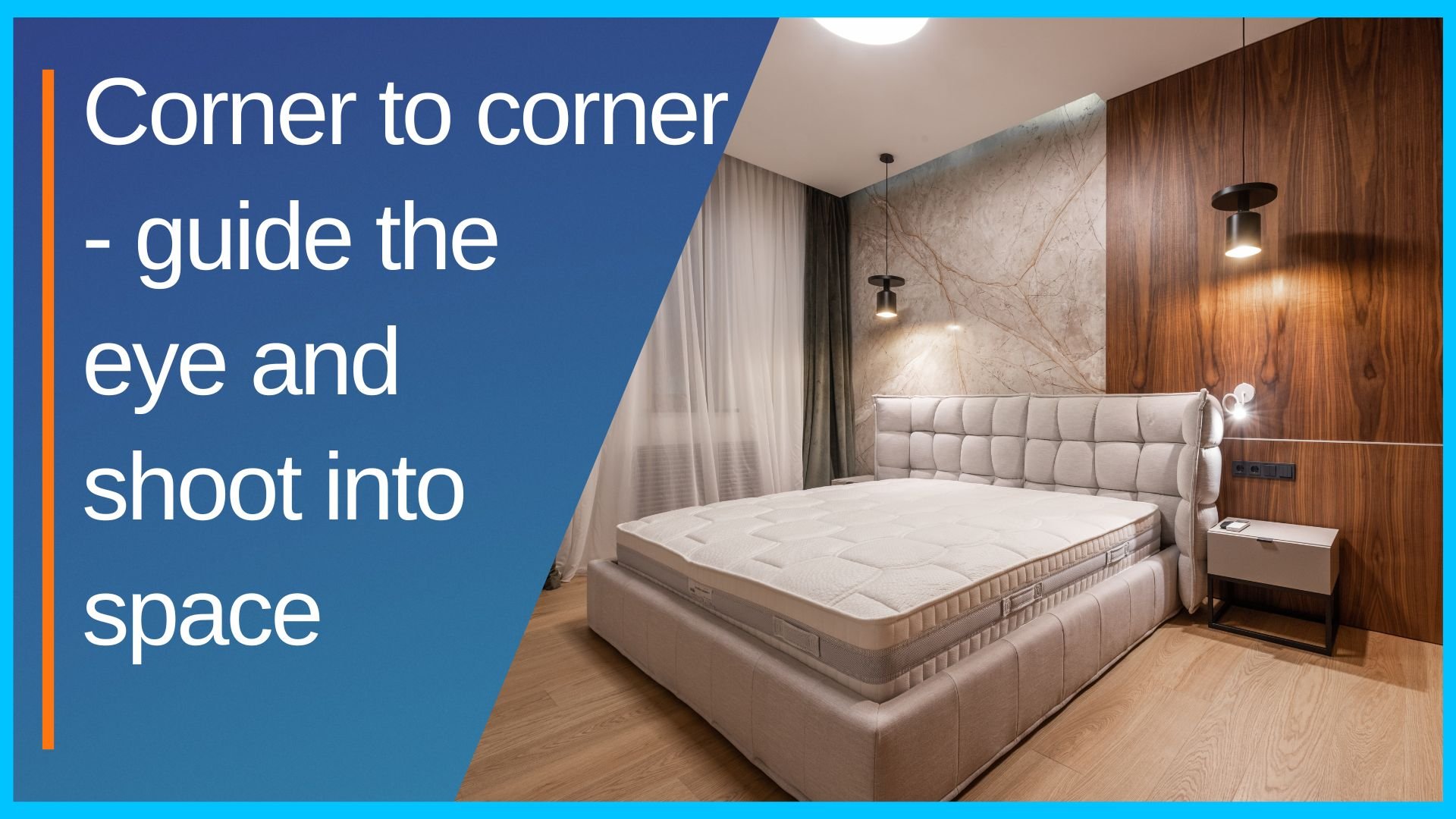
Corner to corner — guide the eye and shoot into space
Composing from corner to corner helps guide your viewer’s eye across the frame — while shooting toward space creates depth, movement, and a feeling of openness. Use both to add flow and energy to your smartphone compositions.
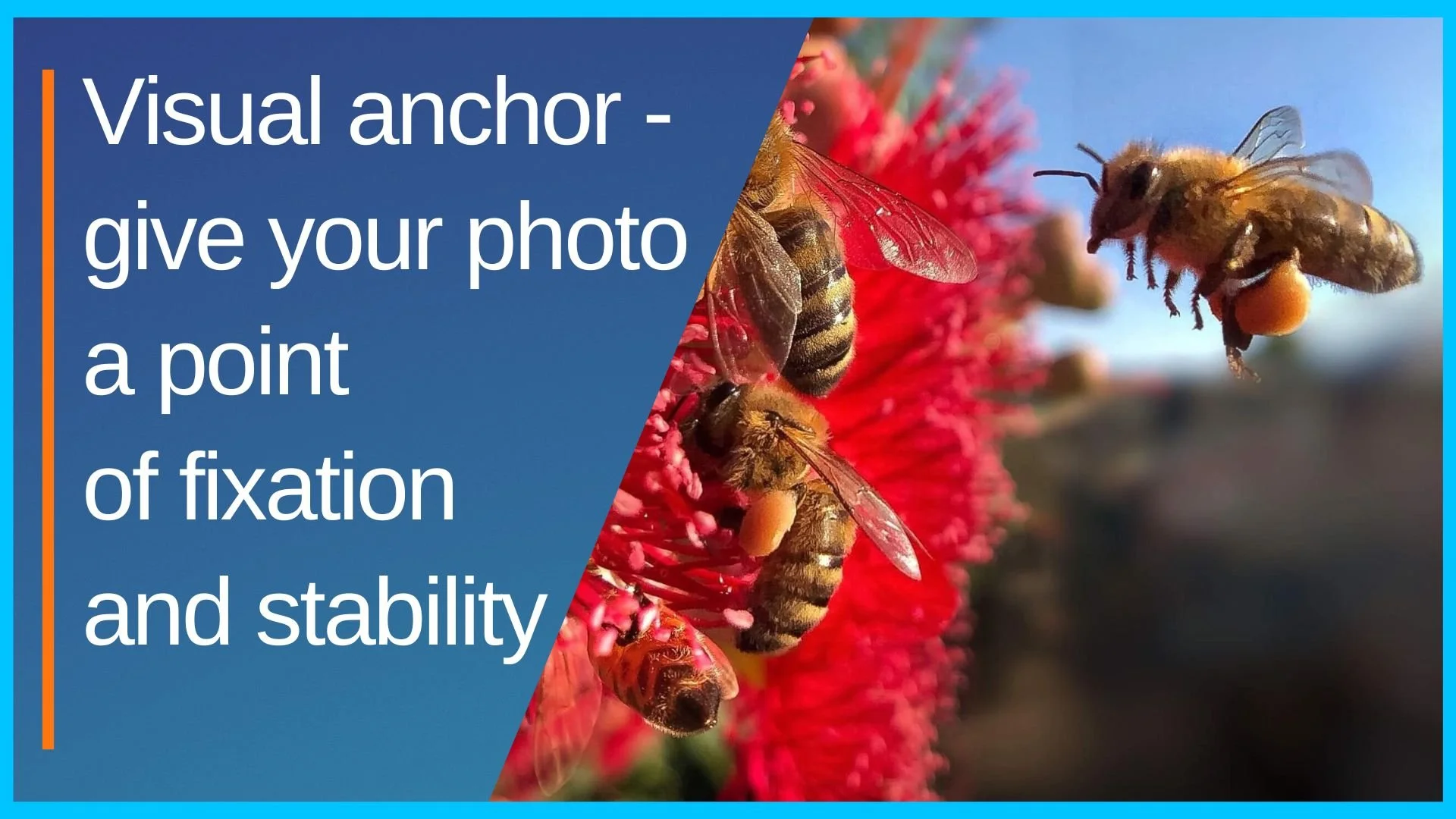
Visual anchor -give your photo a point of fixation and stability
A strong photo needs somewhere for the viewer’s eye to land. A visual anchor gives your image focus and clarity — whether it’s a person, shape, or burst of contrast. Learn how to add one with your smartphone for better, more readable compositions.

Frame within a frame - draw the eye and deepen the story
A doorway, a window, a branch, or even a shadow - using a frame within your frame pulls the viewer into the photo. It creates focus, adds storytelling, and gives your image visual layers.

Negative, positive, and active space - shape your image with emptiness
Space isn’t empty — it’s part of your photo. Mastering the balance between negative, positive, and active space gives your images structure, emotion, and clarity. It’s how you shape the story, not just the subject.
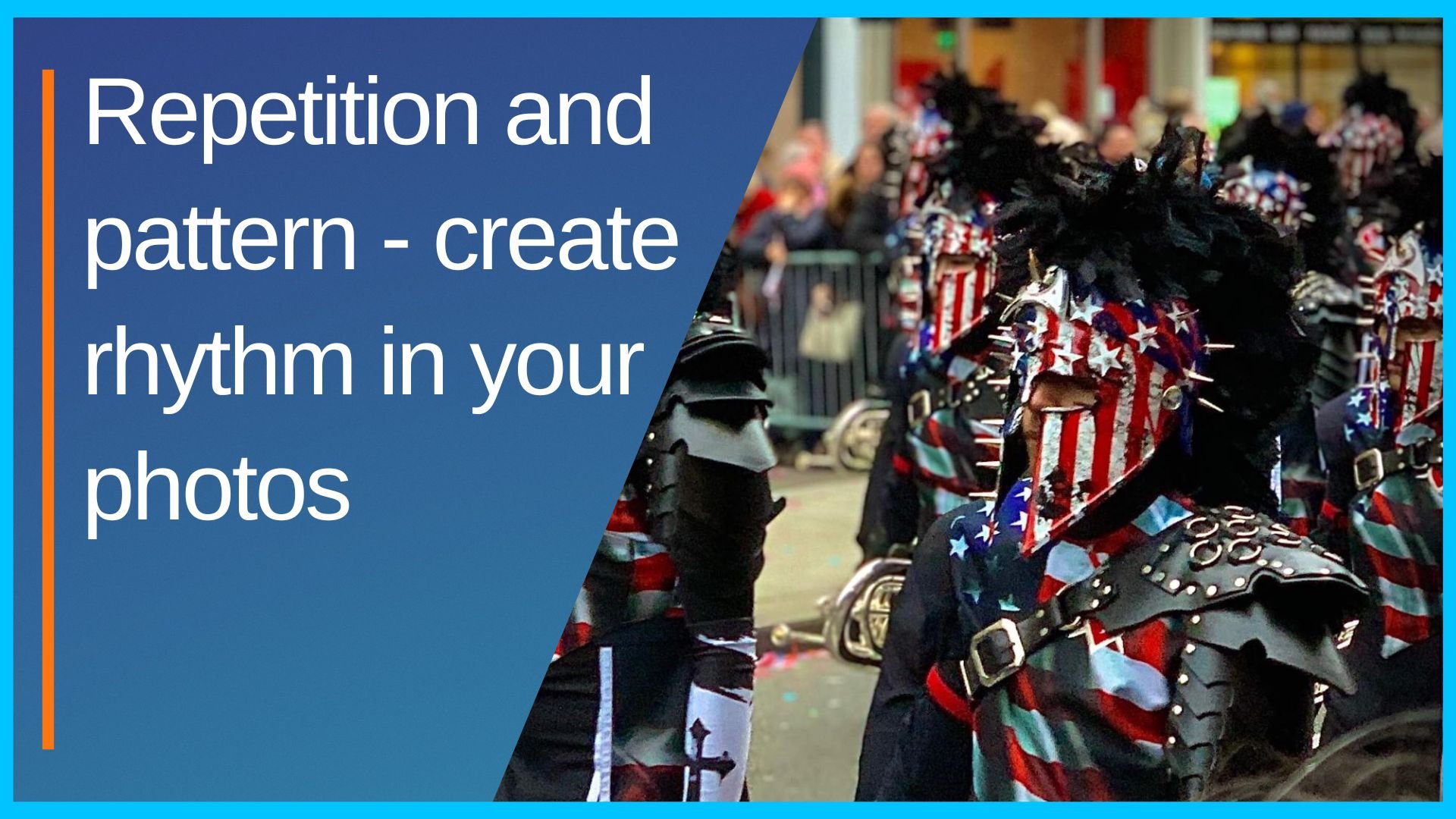
Repetition and pattern - create rhythm in your photos
Repetition adds rhythm — pattern adds structure. Whether natural or manmade, repeating elements can transform your smartphone photos into bold, balanced, and eye-catching compositions.

Proximity - how closeness creates meaning in your composition
Where you place your subjects — and how close they are to each other — shapes how your photo is read. Proximity influences connection, tension, and storytelling in every composition.

Common fate and similarity - the viewer groups what they see
When elements look alike or move together, we naturally see them as a group. Use the principles of common fate and similarity to build order, rhythm, and stronger storytelling in your photos.

Continuance - lead the eye with implied direction
The eye follows paths - even ones that don’t fully exist. Continuance uses implied lines and directional flow to guide attention, shape rhythm, and keep your viewer moving through the frame.

Leading and diagonal lines - guide the viewer into the scene
Leading lines guide the eye. Diagonal lines add energy. Used together, they create photos that feel structured, intentional, and full of movement — even when nothing in the frame is moving.

S-curve and Z-curve - guide with shape and rhythm
The S-curve flows gently. The Z-curve cuts sharply. Both guide the eye — but with different rhythms. Learn how to use these iconic leading line techniques to shape movement and emotion in your smartphone photography.

Vertical and horizontal lines - create stability
Vertical lines feel strong. Horizontal lines feel calm. These basic directions shape how your photo is experienced — and knowing how to use them brings more control, balance, and expression to your smartphone photography.

Triangles - create balance, direction, and strength
Triangles are everywhere — in the way people stand, objects align, and light falls. Using them deliberately adds visual stability, structure, and storytelling to your smartphone photography.

Differential focus — guiding attention with blur
Selective blur is no longer just for DSLR users. Differential focus lets you highlight your subject and soften distractions using portrait mode or editing tools. Here’s how to guide your viewer’s attention through focus.

Implied line of sight - guide the eye by where your subject looks
Your subject’s eyes don’t just express emotion — they direct the viewer. Implied line of sight turns a simple glance into a compositional tool, guiding attention and shaping how your image is experienced.

Layering - add depth with distance and overlap
Photos that feel flat often lack layering. By placing elements at different distances — and letting them overlap — you add depth, story, and visual flow to your smartphone compositions.

Rule of odds - why odd numbers feel more dynamic
Compositions with odd numbers feel more natural, balanced, and interesting. Learn how the rule of odds can help you build stronger groupings and more pleasing visuals with your smartphone.

Emphasis - make your subject dominate the frame
Every great photo has a clear subject — and emphasis is how you make it stand out. Learn how to use size, contrast, placement, and focus to give your subject visual dominance in the frame.